
STBEmu for Nvidia Shield turns the Android TV device into an emulator for supported Infomir MAG set-top boxes. You supply an authorized MAG-compatible portal URL and an emulated MAC address. STBEmu doesn’t include channels, subscriptions, playlists, or portal access.
STBemu Pro provides compatible IPTV subscription for STBemu and other stalker apps.
This guide explains installation, profile configuration, playback settings, and practical fixes. It also separates MAG portal credentials from M3U and Xtream Codes logins. That distinction prevents many failed setups.
Does STBEmu Work on Nvidia Shield?
Yes. STBEmu’s official documentation requires Android 7.0 or later and identifies TV boxes as supported devices. NVIDIA’s current Shield TV Pro runs Android 11 and includes Google Play. Compatibility still depends on Play Store availability and your portal’s requirements.
Compatible Nvidia Shield Models
The 2019 Shield TV Pro offers the most setup flexibility. It has Gigabit Ethernet, 3 GB of RAM, and two USB ports. The 2019 tube model should run STBEmu but lacks those USB ports.
Updated 2015 and 2017 Shield models should also meet the app’s Android requirement. Check the Play Store on the device before assuming availability.
STBEmu Requirements
Prepare these items before installation:
- A Shield connected to a television and the internet
- A Google account for Play Store access
- The exact MAG-compatible portal URL, including http:// or https://
- An emulated MAC address registered by the portal operator
- Any required model, serial number, Device ID, or signature values
STBEmu commonly uses MAC addresses beginning with 00:1A:79. Follow the portal operator’s assigned format rather than generating credentials without approval.
Portal URL, M3U and Xtream Codes Explained
These login systems aren’t interchangeable.
| Access type | Credentials | STBEmu support |
| MAG or Stalker portal | Portal URL and emulated MAC; sometimes device identifiers | Yes |
| M3U playlist | Playlist URL or file | No |
| Xtream Codes API | Server URL, username, and password | No native login |
MAG Portal URL and MAC Address
A MAG portal expects a set-top-box identity. STBEmu presents an emulated MAC address to that portal. The operator must register the identical value on its system.
Some portals also check the model, firmware, serial number, or Device IDs.
Why M3U and Xtream Codes Logins Are Different
An M3U file lists media addresses. Xtream Codes access uses account credentials against an API. A MAG portal instead authenticates an emulated box identity.
The official Google Play listing states that STBEmu doesn’t support M3U or other playlists. Choose a compatible playlist player when your provider supplies M3U or Xtream details.
How to Install STBEmu on Nvidia Shield
Update Nvidia Shield Software
Open Settings > Device Preferences > About > System upgrade. Install any available update and restart Shield. NVIDIA also documents an Auto-upgrade option on this screen in its Shield update instructions.
Install STBEmu From Google Play
- Open Google Play Store on Shield.
- Search for StbEmu.
- Check the developer name and app listing carefully.
- Install the free or Pro edition.
- Open the app and replace its demonstration profile with your authorized portal details.
Alternative Click Here to download.
The package names are com.mvas.stb.emu.free and com.mvas.stb.emu.pro. Similar names don’t prove that another listing comes from the same developer.
Sideload STBEmu Safely
Use sideloading only when the Play Store version isn’t available. Obtain an APK from a developer-approved source and verify its signature or checksum. Avoid modified “premium unlocked” packages.
Transfer the file through USB or Shield’s local-network storage access. Permit only the chosen file manager to install unknown apps. Install the APK and then revoke that permission. Keep Play Protect enabled. Sideloaded versions may require manual updates.
STBEmu Free vs Pro
The developer identifies advertising as the main difference. Free displays ads while Pro removes them.
Pro doesn’t add channels, change portal authorization, or accept M3U credentials. Test the free edition first when portal compatibility remains uncertain.
How to Set Up STBEmu for Nvidia Shield
Create a New STBEmu Profile
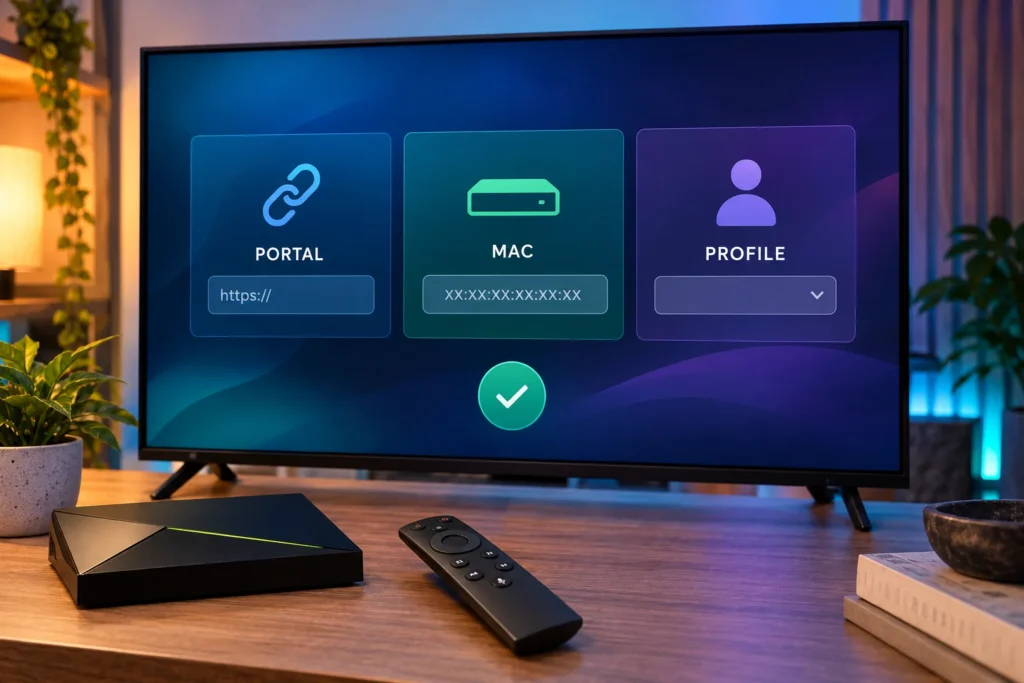
Open the app menu and select Settings > Profiles. Add a profile and use a clear name, such as “Main Portal Shield.”
A mouse or Bluetooth keyboard can help when a portal doesn’t respond properly to the Shield remote.
Enter the Portal URL
Open Portal settings and enter the complete address exactly as supplied. Preserve its scheme, port, path, and trailing slash. Don’t add /c/ unless the operator’s URL includes it.
Configure the Emulated MAC Address
Open STB configuration. Choose the requested MAG model and firmware. Enter the assigned MAC address and ask the operator to confirm its registration.
Generic firmware suits many setups. Use a specific MAG identity only when required.
Physical MAC vs Emulated MAC
Shield’s physical MAC identifies its Ethernet or Wi-Fi adapter on your local network. The profile’s emulated MAC identifies the virtual set-top box to the portal.
Copying the physical address into STBEmu usually won’t work unless the operator explicitly requests it. Keep the emulated MAC private because someone who clones it may cause authorization conflicts or forced disconnections.
Configure the Device ID and Serial Number
Leave these fields unchanged unless your operator supplies exact requirements. Some portals bind access to a serial number, Device ID, Device ID 2, or signature.
Reset the Device ID after changing its generation method or random seed.
Select the Profile and Reload the Portal
Save the profile and return to the profile list. Select the new entry and reload the portal. Restart the app if the demonstration portal remains visible.
Recommended STBEmu Settings
Choose a Video Player
Start with Exo, STBEmu’s default player. Try VLC or MPV when one stream shows black video, poor aspect ratio, missing audio, or subtitle trouble.
Change one setting at a time and retest the same channel.
Hardware vs Software Decoding
Use hardware decoding first. Shield TV Pro specifications list H.264 and H.265/HEVC playback up to 4K60.
Software decoding can diagnose a codec issue but may stutter with demanding streams.
Buffer, Resolution and Aspect Ratio
STBEmu’s network cache affects portal requests. It can’t compensate for inadequate stream bandwidth. Disable it temporarily when authentication or loading faults recur.
The profile’s screen resolution tells the portal what the emulated box supports. It doesn’t change Shield’s HDMI output. For stretched video, choose Original or Fit in the player before changing Shield’s display resolution.
Audio, Subtitles and Remote Controls
No sound often points to an unsupported passthrough format within the HDMI chain. Test television speakers and switch players. Then disable audio formats that the TV, soundbar, or receiver can’t decode.
Subtitle support depends on both the stream and player. Exo, VLC, and MPV are better starting points than STBEmu’s Ijk or Android internal player. Configure key mapping or connect a keyboard when a portal expects colored MAG buttons.
Common STBEmu Problems and Fixes
Portal Not Loading
Check the full URL, scheme, path, internet connection, date, and time. Reload the portal. Disable network cache for repeated authentication faults. Ask the operator to confirm that the portal is online.
MAC Address Not Authorized
Compare the active profile’s emulated MAC with the registered value. Confirm account status and device limits. Check whether the portal expects serial or Device ID fields. Stop simultaneous use of cloned credentials.
Black Screen or No Sound
Test another channel first. Then switch among Exo, VLC, and MPV. Toggle hardware decoding once as a diagnostic.
For missing audio, review Shield’s passthrough formats and test a basic stereo stream.
Buffering and Freezing
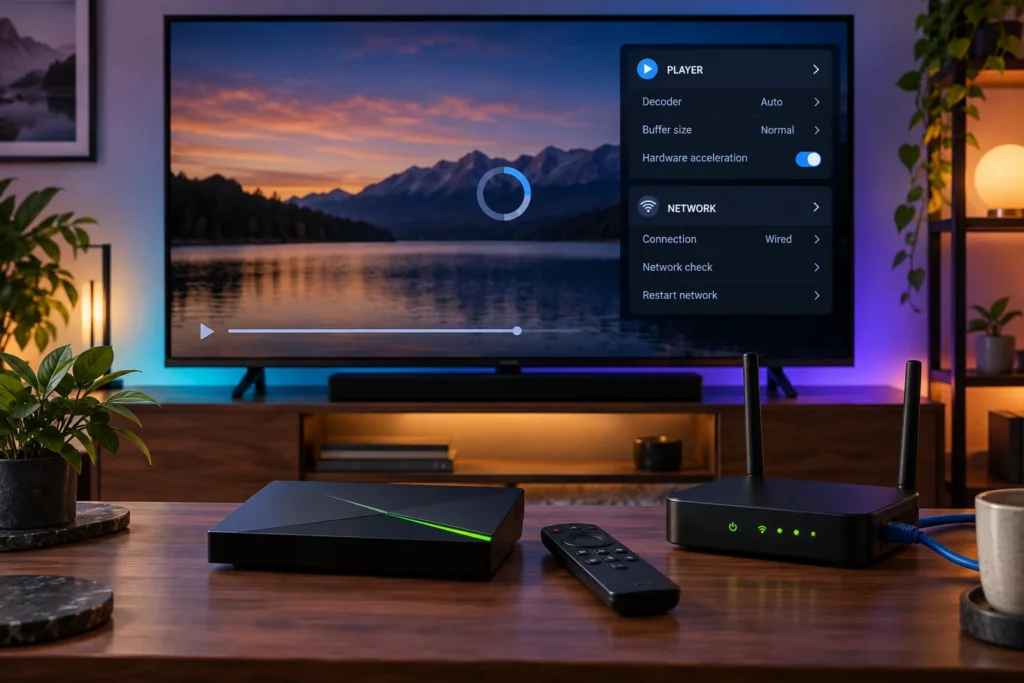
Compare several channels and another legal streaming app. Restart Shield and the router. Use Ethernet where practical because it avoids Wi-Fi interference.
Test any VPN separately. Persistent faults across selected channels may come from the portal or upstream source.
App Crashes or Remote Problems
Update Shield and STBEmu. Force-stop the app and free some storage. Switch players if crashes occur during playback.
Use the Shield mobile remote, mouse, or keyboard when portal focus becomes trapped.
Clear Cache or Reset a Profile
Try Reload portal first. Next open Settings > Apps > StbEmu, force-stop it, and clear its cache.
Clearing storage is more severe because it can erase profiles. Record authorized settings before using that option. Recreate only the faulty profile when possible.
EPG, Favorites and Parental Controls
The portal normally supplies channel lists, EPG data, favorites, and channel-level locks. Reload after checking Shield’s time zone. Contact the operator if guide data remains missing or stale.
Android TV’s restricted profile can block the whole STBEmu app but it doesn’t classify individual portal channels.
Should You Use a VPN With STBEmu?
A VPN isn’t required. It can protect traffic on an untrusted local network or meet an authorized access policy.
It can’t repair an expired account, invalid MAC, unsupported codec, or overloaded portal. A longer encrypted route may increase latency. Compare the same stream with the VPN enabled and disabled.
STBEmu Alternatives for Nvidia Shield
Choose an alternative according to the credentials you received.
TiviMate
TiviMate supports M3U, Xtream Codes, and Stalker Portal access. Its television-focused interface includes EPG and playlist management. Features can vary by edition.
Smart STB
Smart STB suits providers that support its portal middleware workflow. Confirm compatibility and licensing before paying because portal support isn’t universal.
OTT Navigator
OTT Navigator accepts M3U and Xtream Codes access. It offers EPG, search, favorites, audio tracks, and subtitle handling. It isn’t a direct replacement for every MAG identity requirement.
Security and Legal Use
Use STBEmu only with streams you have permission to access. Google Play availability verifies the app distribution channel but doesn’t establish a portal’s content rights.
Protect the portal URL, emulated MAC, Device IDs, and account screenshots like login credentials. Prefer HTTPS when the legitimate portal supports it. Keep Shield, STBEmu, and Play Protect updated. Remove sideload permissions after use.
Frequently Asked Questions
Does STBEmu Include Channels?
No. STBEmu emulates supported set-top boxes and loads a configured portal. It provides no channels or subscriptions.
Can STBEmu Use M3U or Xtream Codes?
No. The official app supports MAG-designed portals. Use TiviMate or OTT Navigator for M3U and Xtream credentials.
Can One Portal Be Used on Multiple Devices?
Only when the portal operator permits it. Don’t clone a MAC or assume that one authorization supports simultaneous sessions.
Why Does STBEmu Keep Buffering?
Likely causes include unstable Wi-Fi, portal congestion, upstream stream faults, routing, or player compatibility. Test Ethernet, multiple channels, and another app to isolate the failing layer.
Conclusion
STBEmu for Nvidia Shield works best with a registered MAG-style portal and accurate device identity. Install it through Google Play, copy the supplied URL exactly, and keep the physical and emulated MAC addresses separate.
Start with Exo plus hardware decoding. If your credentials use M3U or Xtream Codes, choose a player built for that login method. Controlled testing will show whether the next fix belongs in STBEmu, Shield, your network, or the portal.